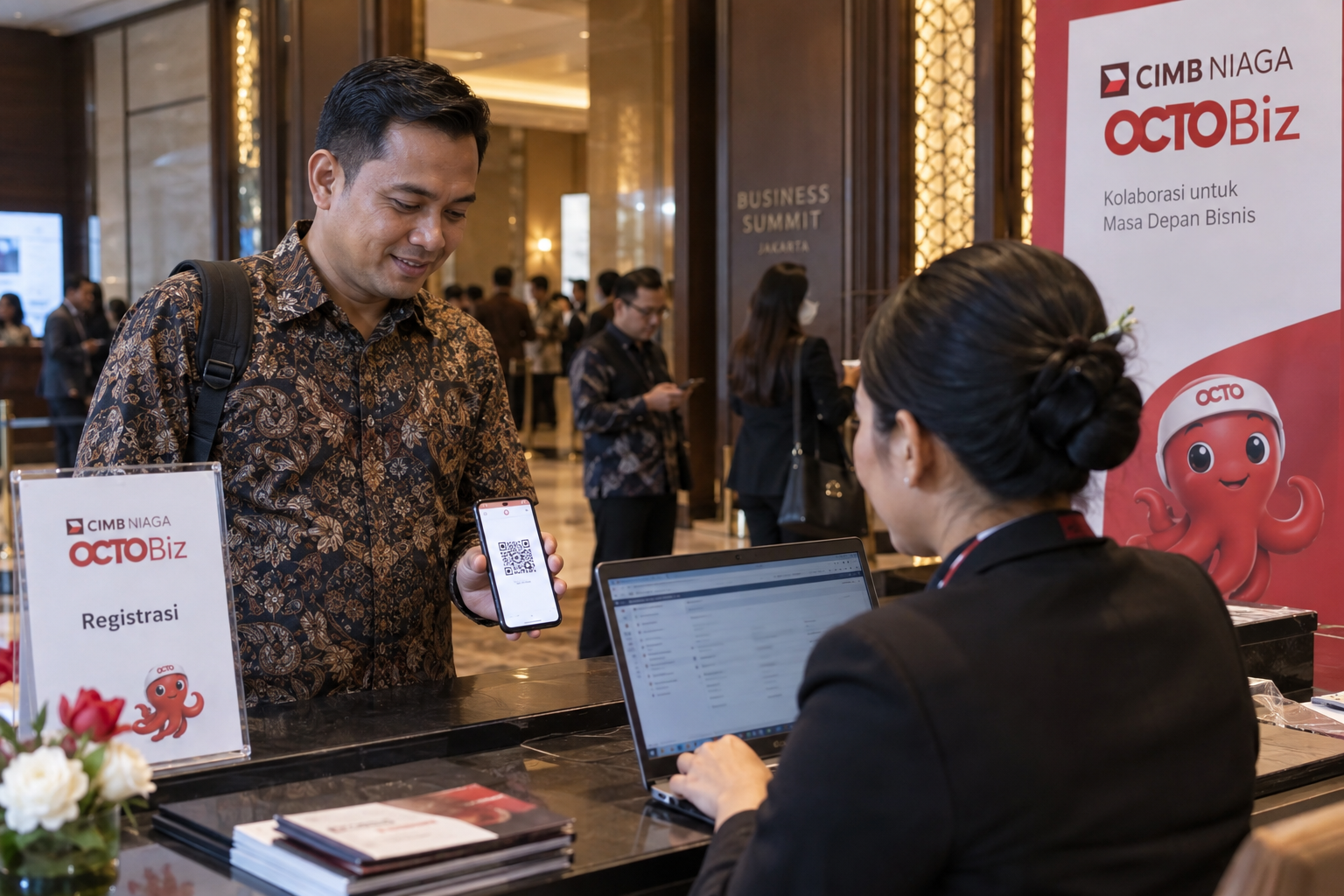
01
Register on Ticket2U
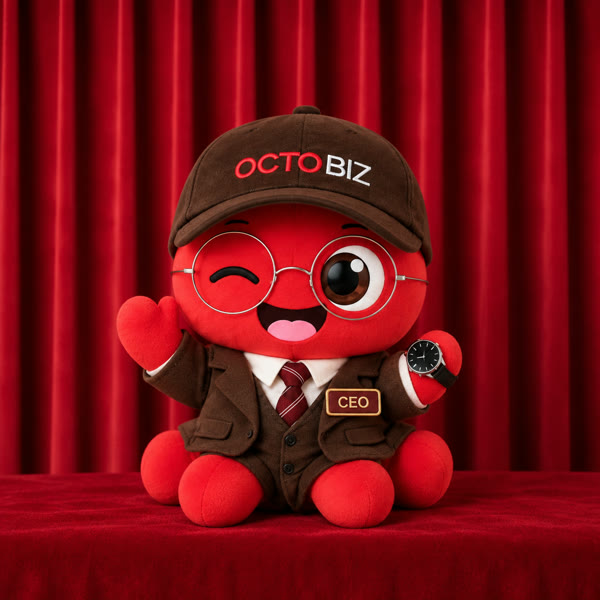
The guest receives a ticket ID and QR. Their profile shows a default Staff OctoBiz animation.
CIMB NIAGA BUSINESS SUMMIT 2026 · A MAGICBOOTH PROPOSAL
Guests scan their Ticket2U QR at the totem and take a photo with the OctoBiz for their current level. Magicbooth makes a five-second video that Ticket2U fetches for their profile. When Ticket2U reports a new level, we use that photo to make the next version.
Concept walkthrough · 16 October 2026
Staff: his first video after taking a photo at the totem.
01 / THE EVENT
Ticket2U gives each guest a ticket ID and QR at registration. Booth visits add points there and change the guest's OctoBiz level. They can take their photo at our totem whenever they are ready.
The guest receives a ticket ID and QR. Their profile shows a default Staff OctoBiz animation.
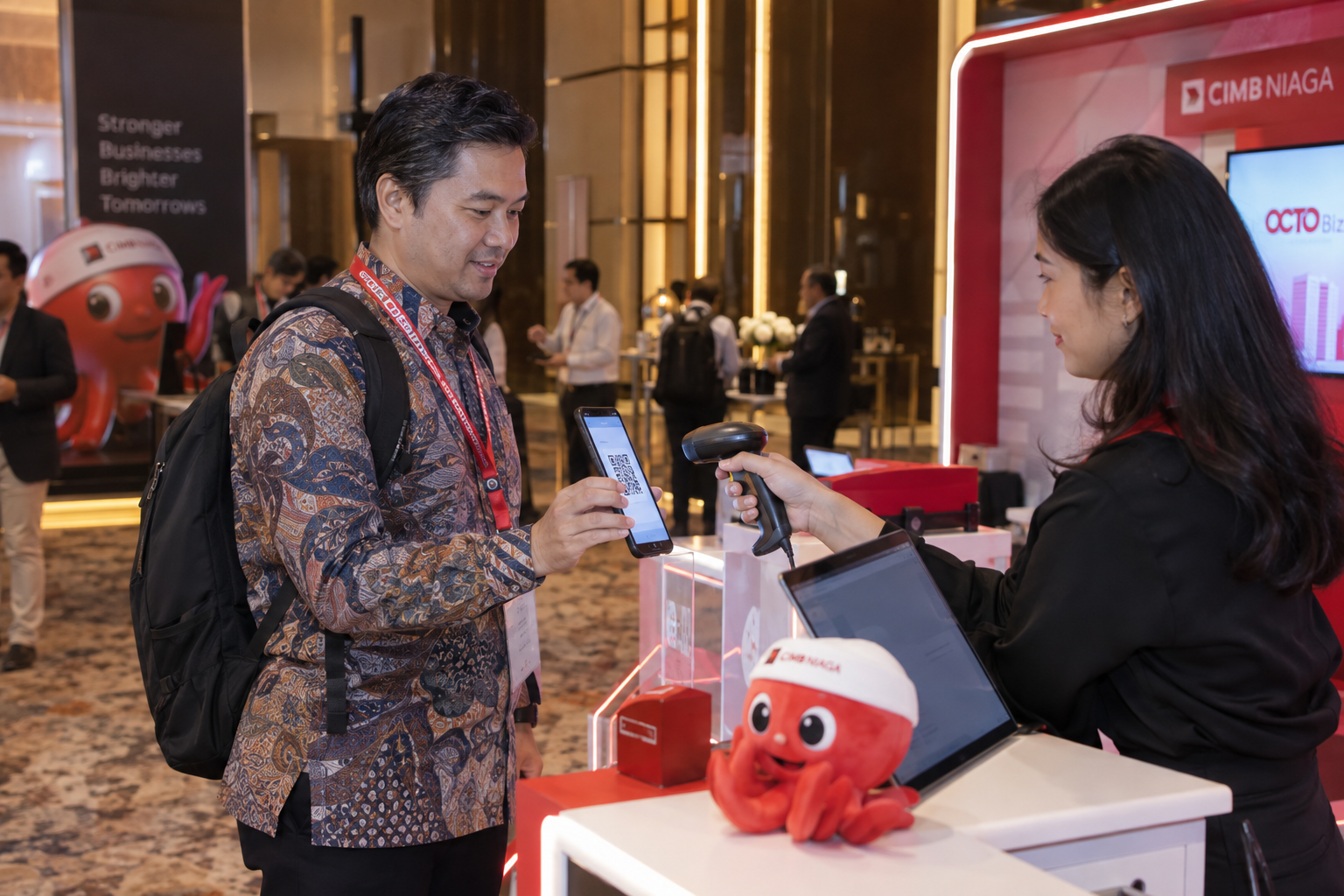
Ticket2U tracks points and the current level. The default OctoBiz animation changes with that level, even before the guest takes a photo.
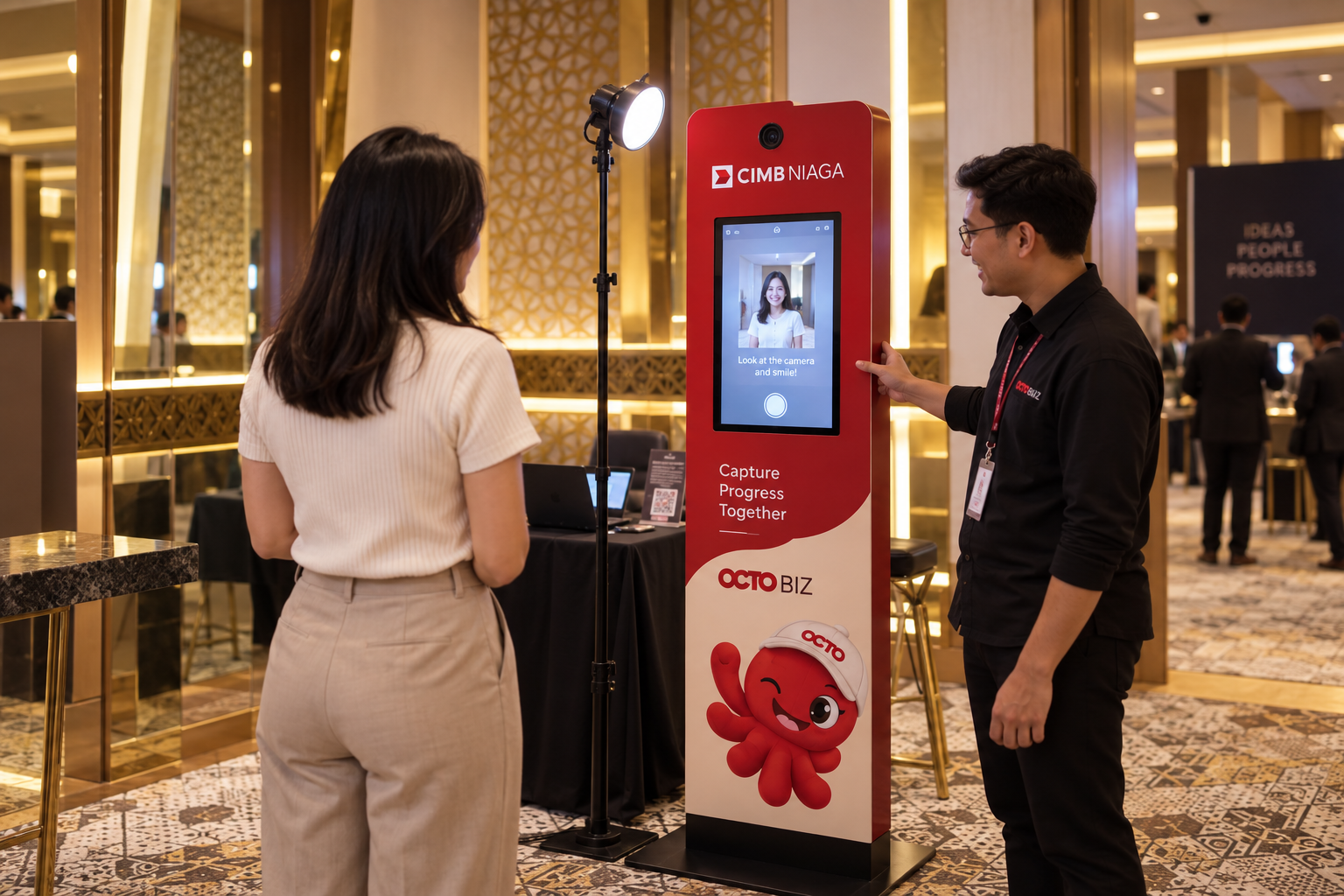
The guest scans the same ticket QR, meets their current OctoBiz, and takes one photo for a personal video.
Venue, registration, and totem images are concept illustrations for this walkthrough.
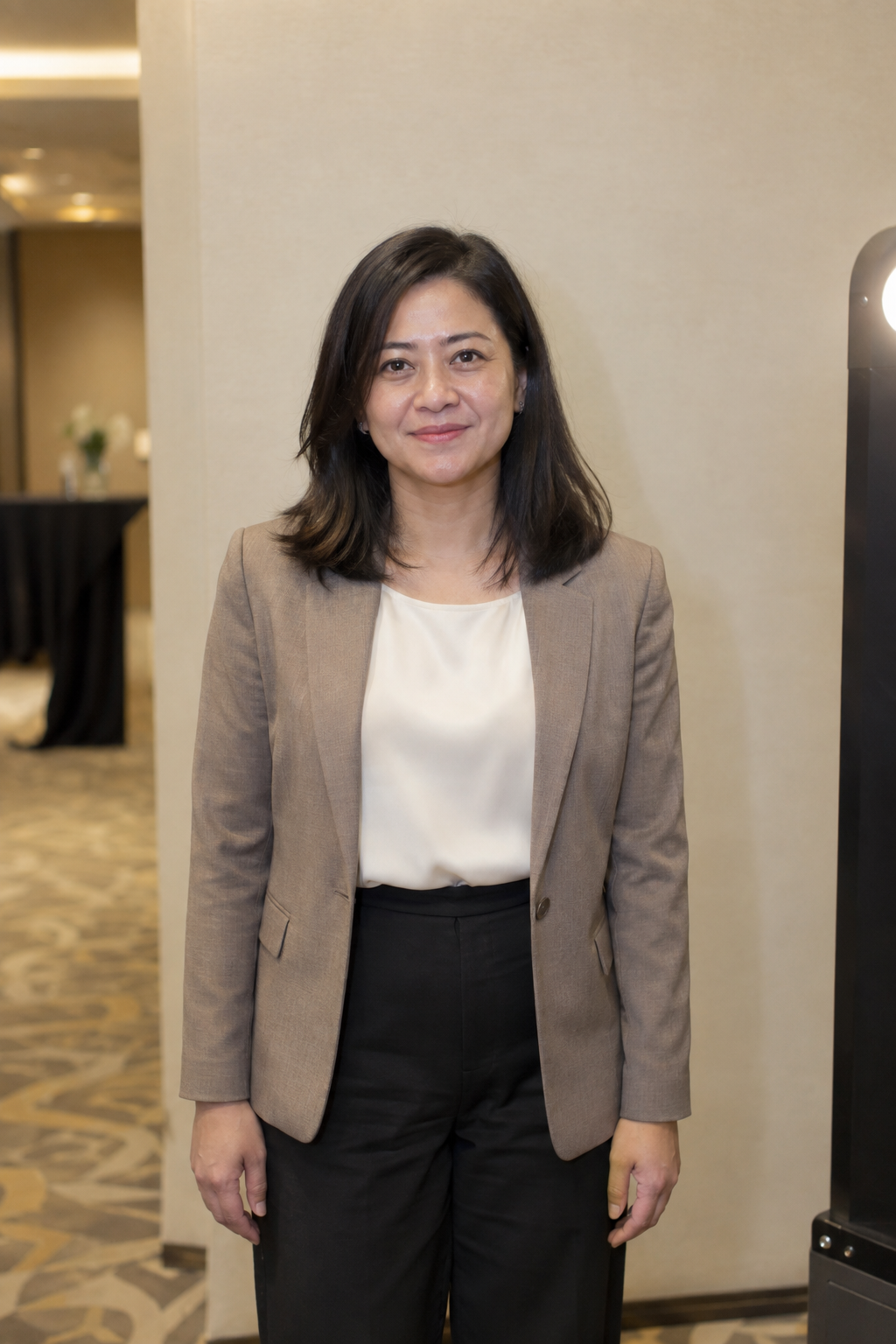
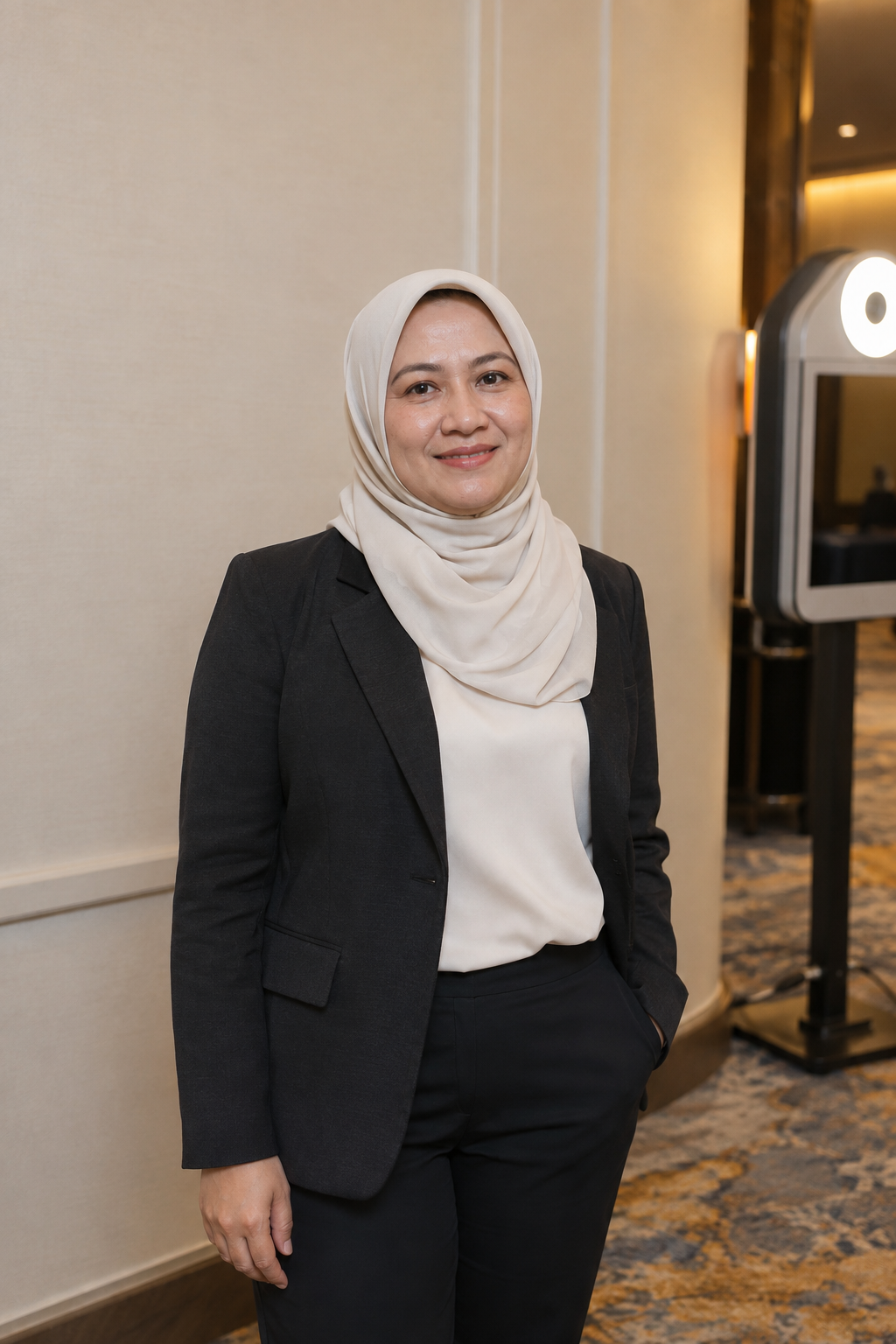
Three generated Business Summit guests in business attire, posed near a hotel photo booth. They show the framing we propose for the real camera.

02 / THE LEVELS
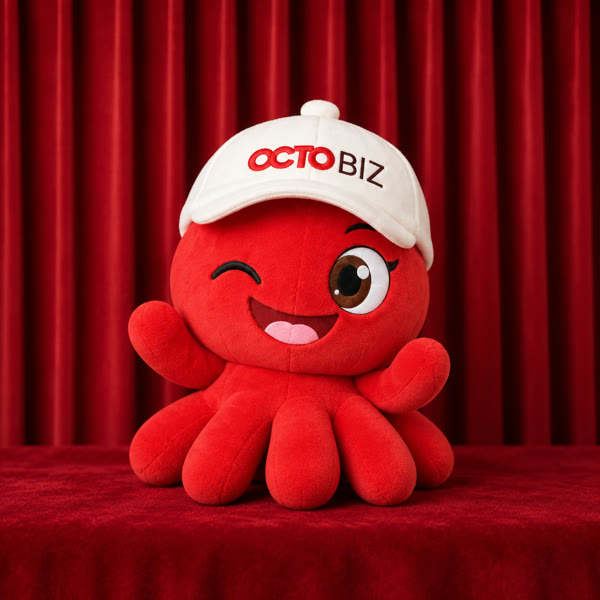
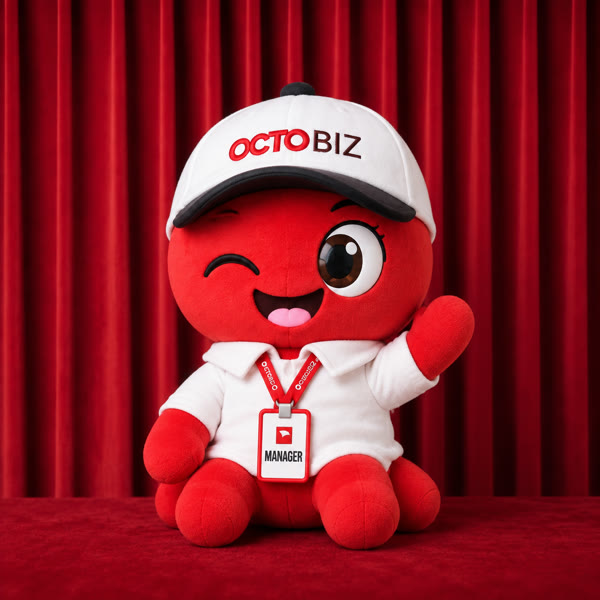
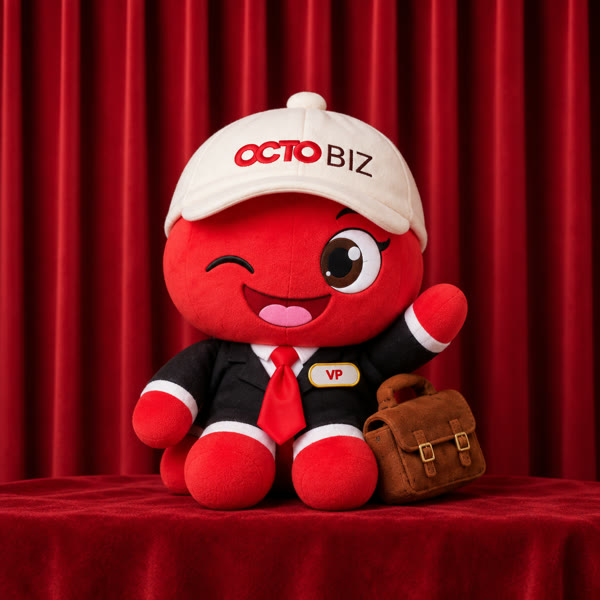
Until the guest takes a photo, their Ticket2U profile shows the matching five-second OctoBiz animation.
03 / WHAT GUESTS DO
Tap through the proposed totem flow. The first capture takes about 45 seconds; up to three retakes are available. Video rendering continues after the guest leaves.
ON THE TOTEM
Take a photo with your OctoBiz

Show your Ticket2U QR to the camera
No QR? Type your ticket numberWELCOME
Hi, Bima!
You are Staff. Your OctoBiz is ready for a photo.
3
Stand inside the outline. Review your photo or retake it up to three times.
Done, Bima!
Your OctoBiz video is on its way. Check your Ticket2U profile in about 2 minutes.
Scan to open your Ticket2U profile
04 / WHAT GUESTS GET
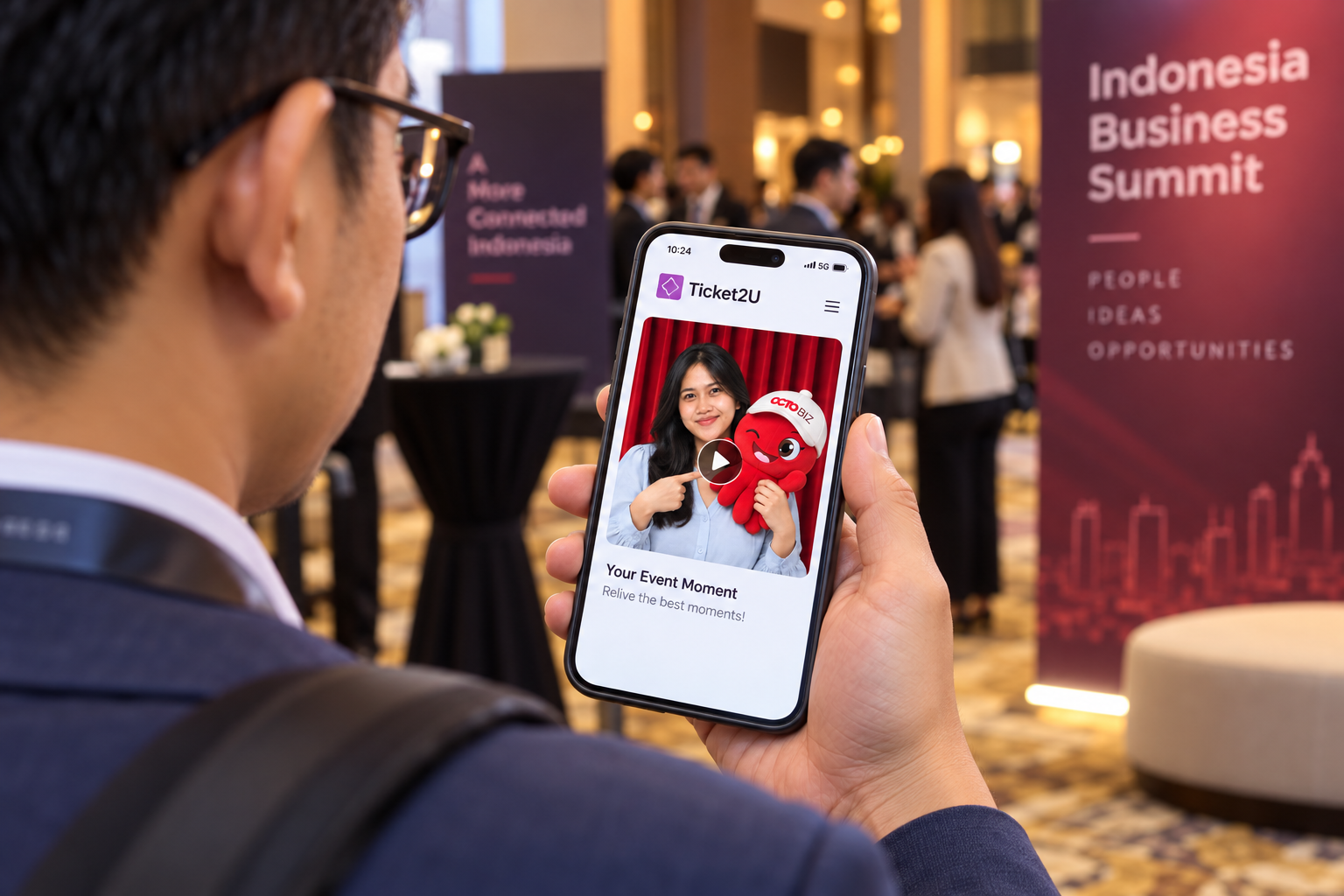
Magicbooth combines the booth photo with the guest's current OctoBiz, then animates the result. When it is ready, Ticket2U can fetch it for the guest's profile.
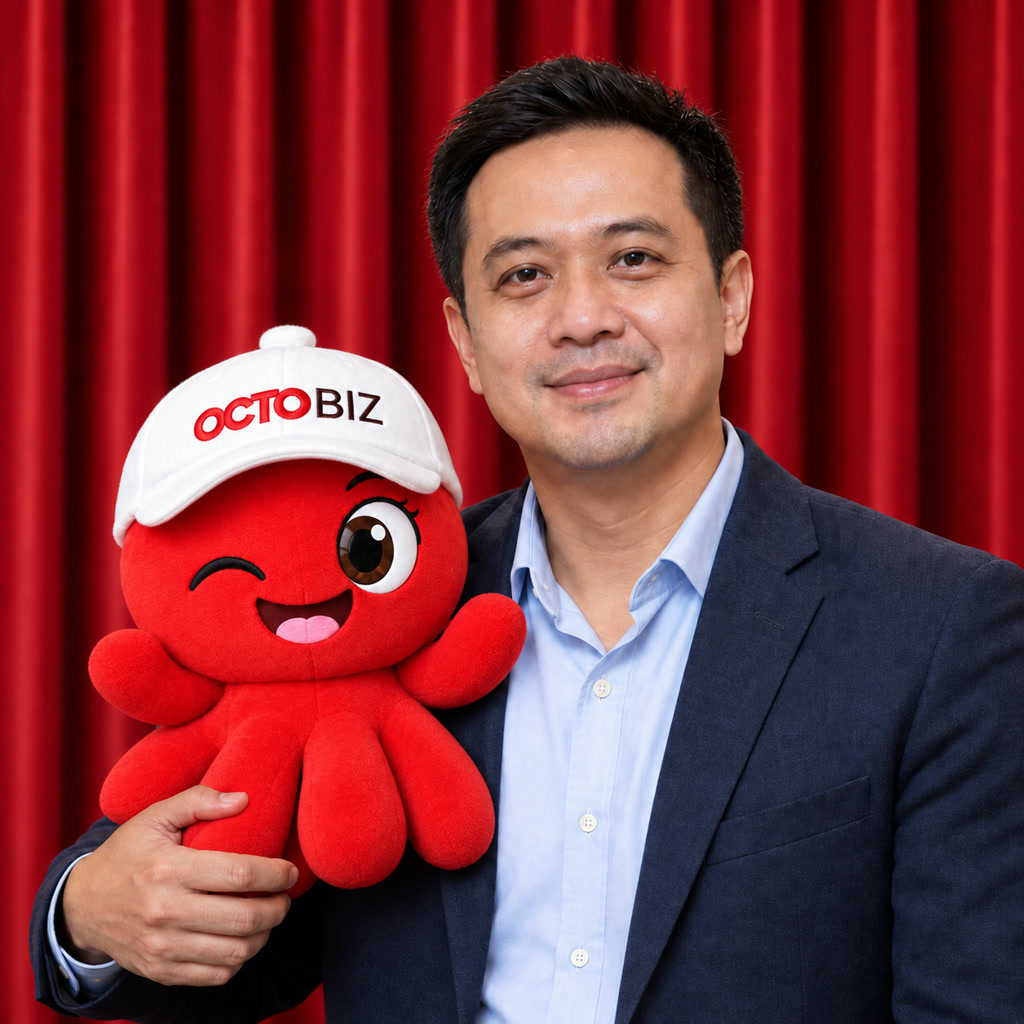
Sample guest and Staff OctoBiz, shown to explain the visual result.
Business Summit 2026
Bima · Staff
Business Summit 2026
Bima · Staff
Profile mockup. Ticket2U owns the screen and decides how the video appears there.
05 / TICKET2U CONNECTION
Ticket2U holds the ticket, points, level, and profile. Magicbooth runs the totem and creates the photo and video. This is the proposed exchange between the two teams.
The totem sends the scanned QR to Ticket2U. The reply confirms it is a real guest, with first name and level if they want to show it.
The totem greets the guest, takes the photo, and makes the still and five-second MP4.
We store the original photo, the current level, and the still and MP4 for each level, under the guest's user ID.
Ticket2U reads the media list whenever a profile opens. It decides which file to show and whether to keep a copy.
Ticket2U tells us the user ID and the new level.
We reuse the stored photo and render the next OctoBiz. It joins the same guest record as a new stage.
The same endpoint now returns the new stage next to the earlier ones.
The guest sees their OctoBiz at the new level.
Why Ticket2U fetches: the totem does not have to push every render to another system, so a slow upload cannot hold up a guest. Points stay in Ticket2U.
06 / LEVEL UP
Ticket2U tells us the new level. Magicbooth uses the photo already on file to render another version and adds it to the guest's record. Ticket2U fetches it from there.
OTHER SAMPLE GUESTS
07 / EVENT RECAP · OPTIONAL
After at least ten guests have given permission, the Magicbooth team can manually cut a 30-second video for the event screen. It ends by inviting more guests to the totem. This edit is a separate add-on.