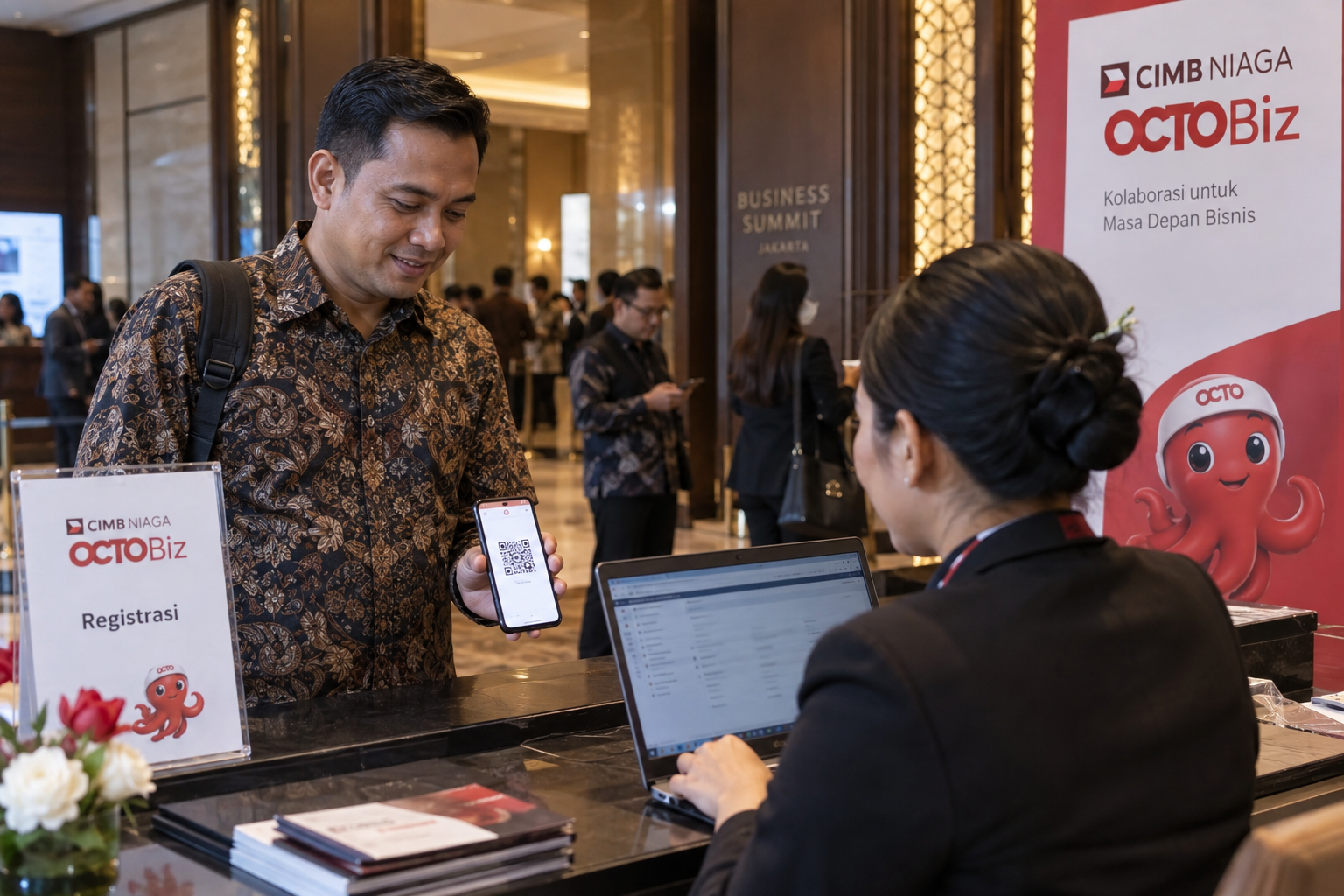
01
Register on Ticket2U
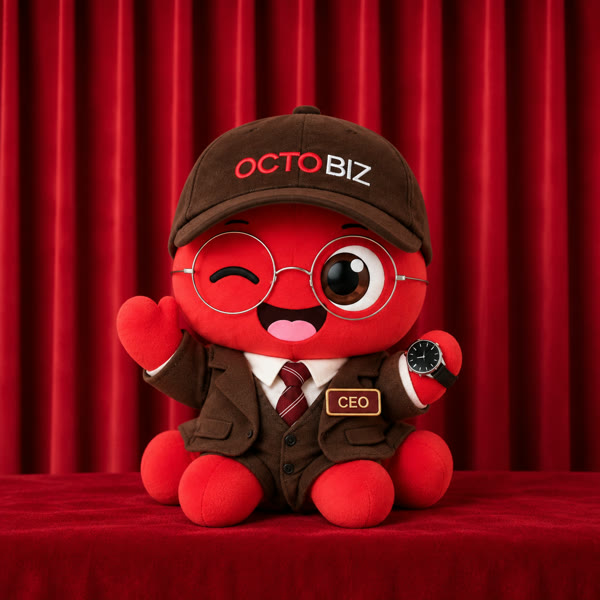
The guest receives a ticket ID and QR. Their profile shows a default Staff OctoBiz animation.
CIMB NIAGA BUSINESS SUMMIT 2026 · A MAGICBOOTH PROPOSAL
Guests scan their Ticket2U QR at the totem and take a photo with the OctoBiz for their current level. Magicbooth makes a five-second video for their profile. When Ticket2U reports a new level, we use that photo to make the next version.
Concept walkthrough · 16 October 2026
Staff: his first video after taking a photo at the totem.
01 / THE EVENT
Ticket2U gives each guest a ticket ID and QR at registration. Booth visits add points there and change the guest's OctoBiz level. They can take their photo at our totem whenever they are ready.
The guest receives a ticket ID and QR. Their profile shows a default Staff OctoBiz animation.
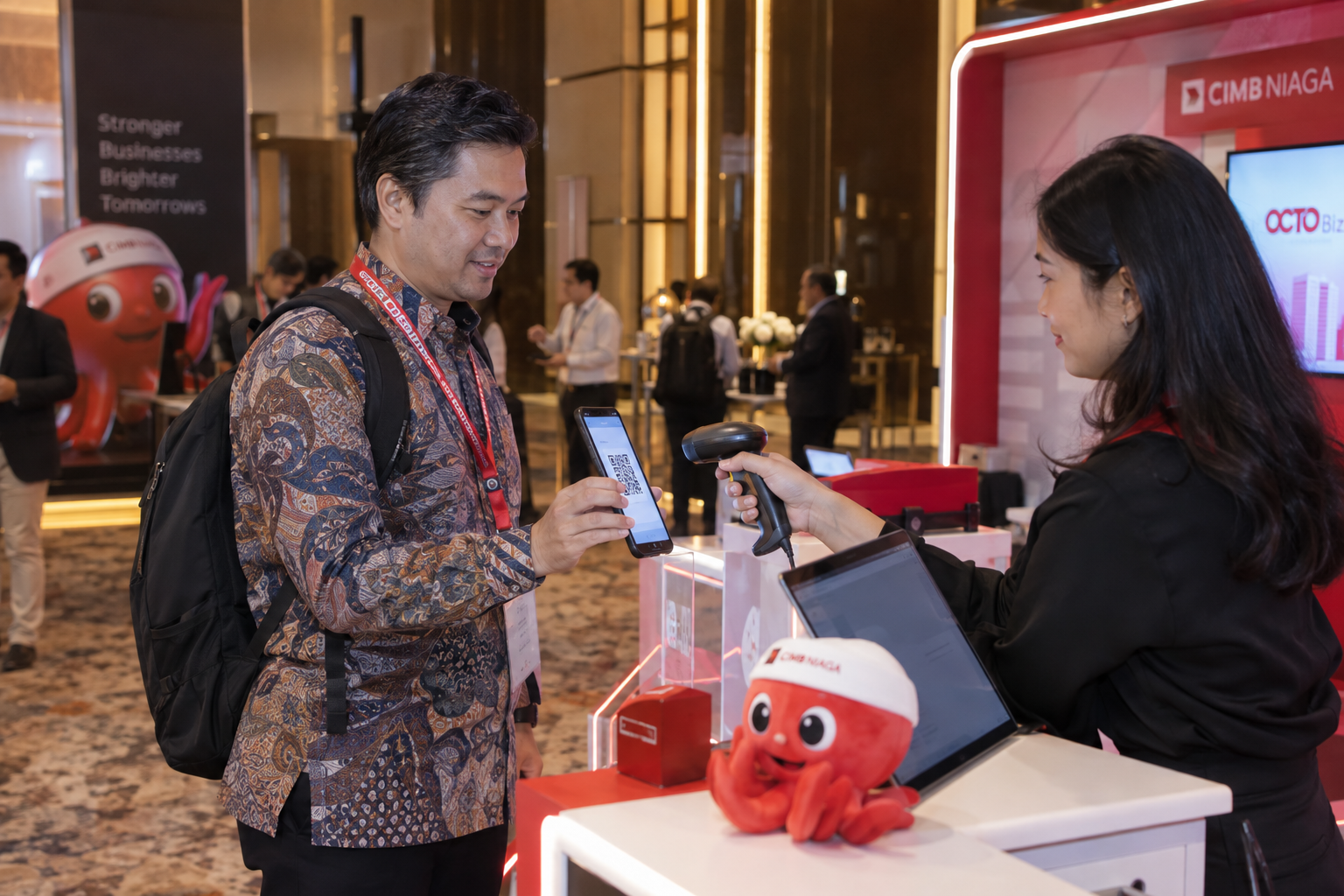
Ticket2U tracks points and the current level. The default OctoBiz animation changes with that level, even before the guest takes a photo.
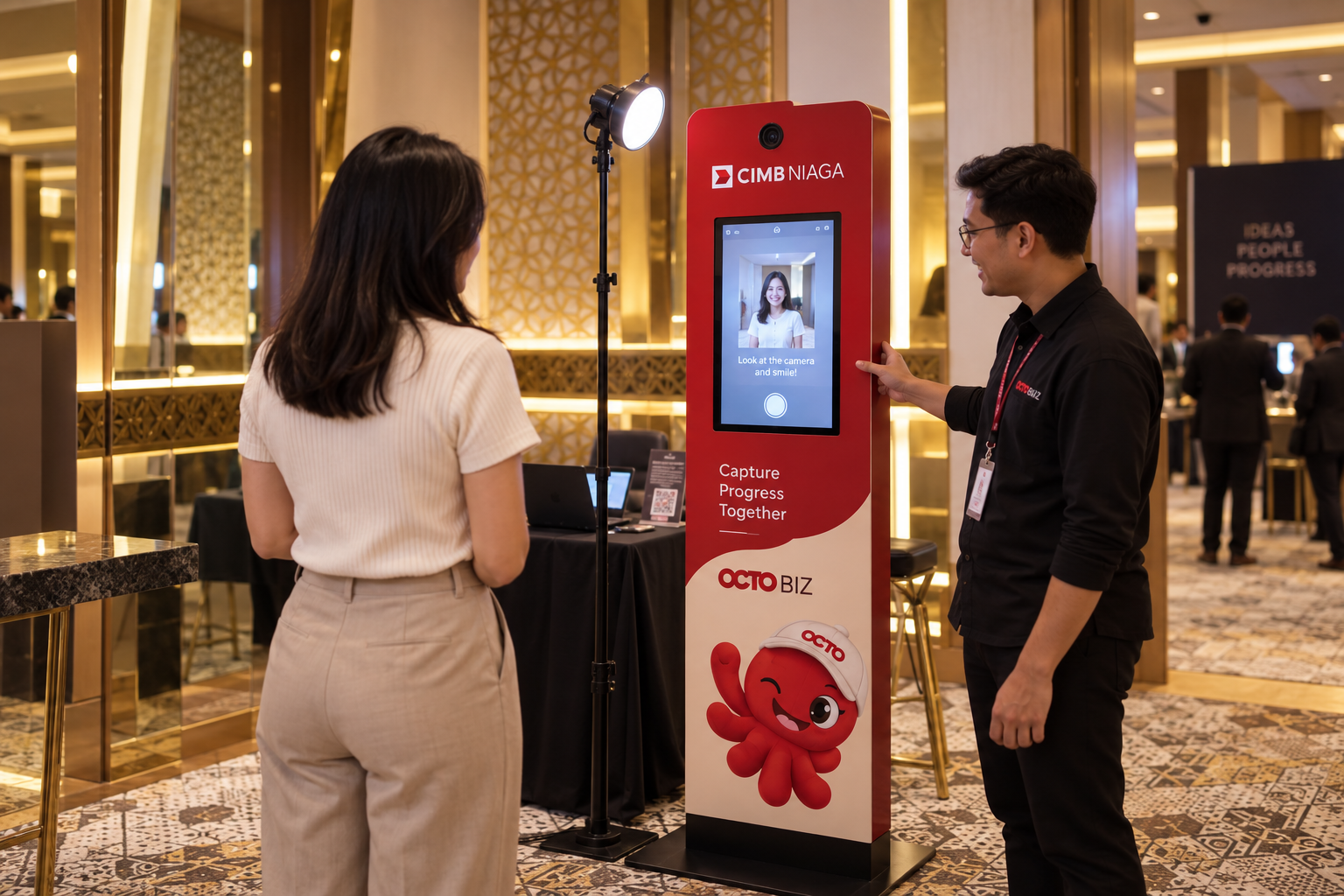
The guest scans the same ticket QR, meets their current OctoBiz, and takes one photo for a personal video.
Venue, registration, and totem images are concept illustrations for this walkthrough.
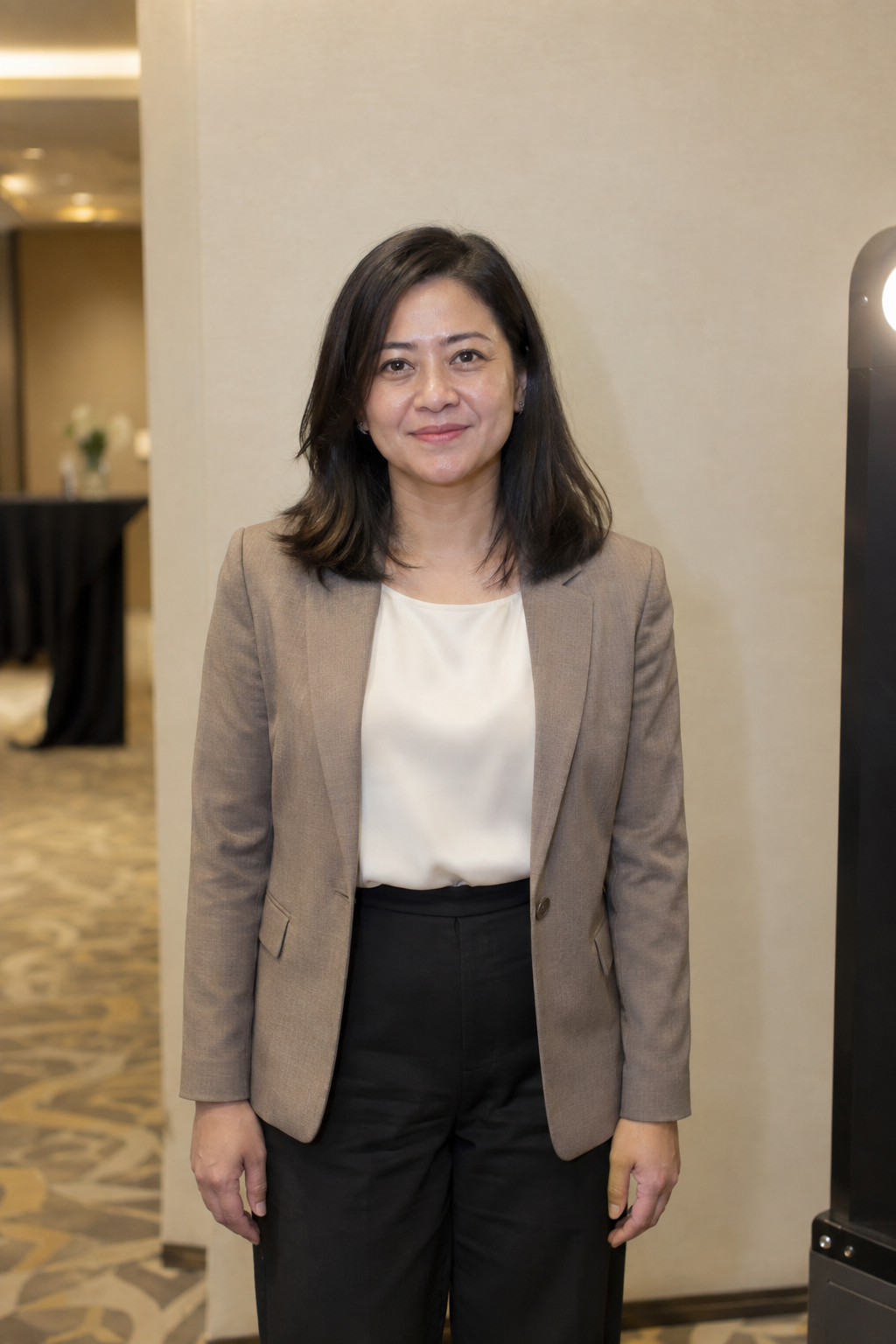
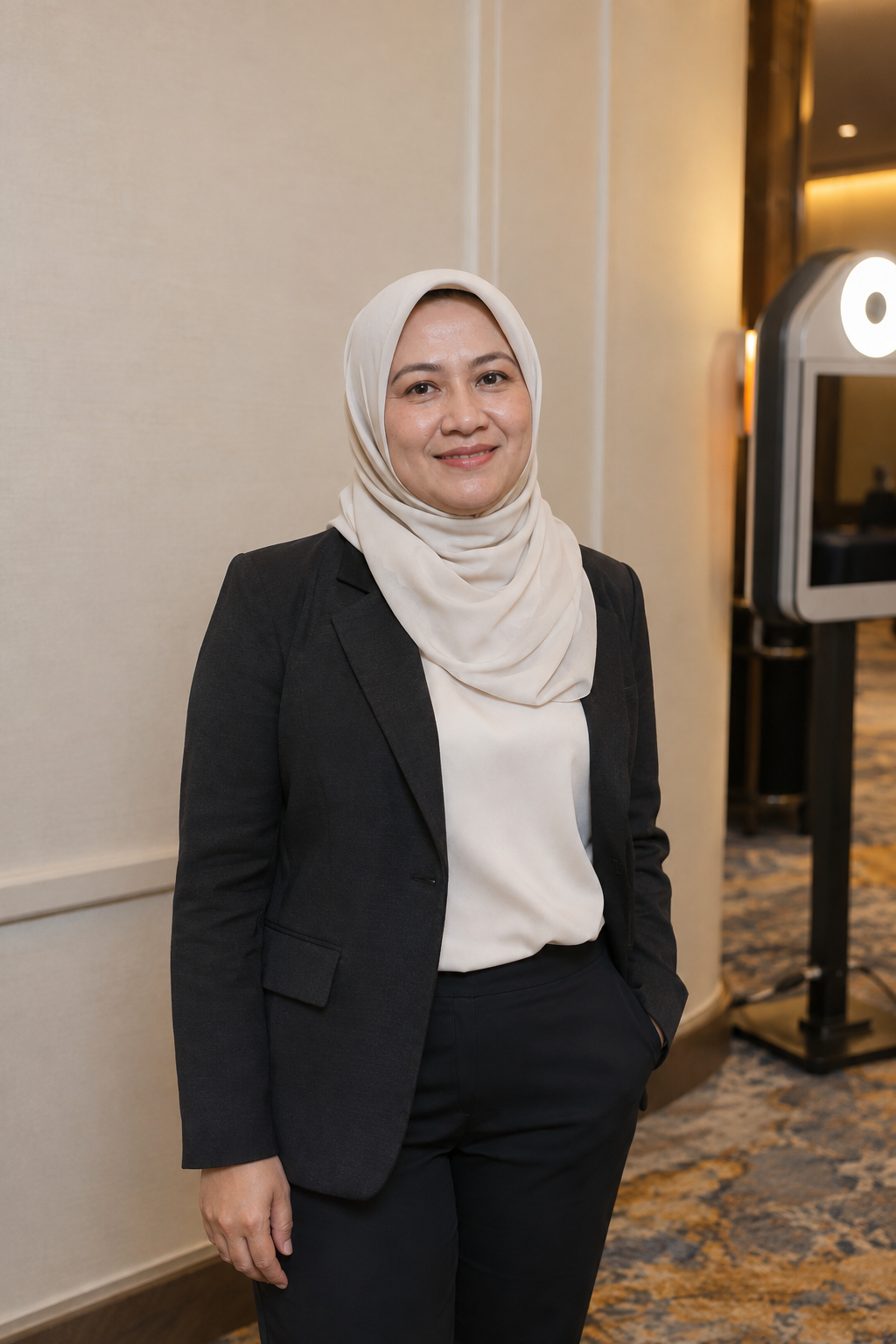
Three generated Business Summit guests in business attire, posed near a hotel photo booth. They show the framing we propose for the real camera.

02 / THE LEVELS
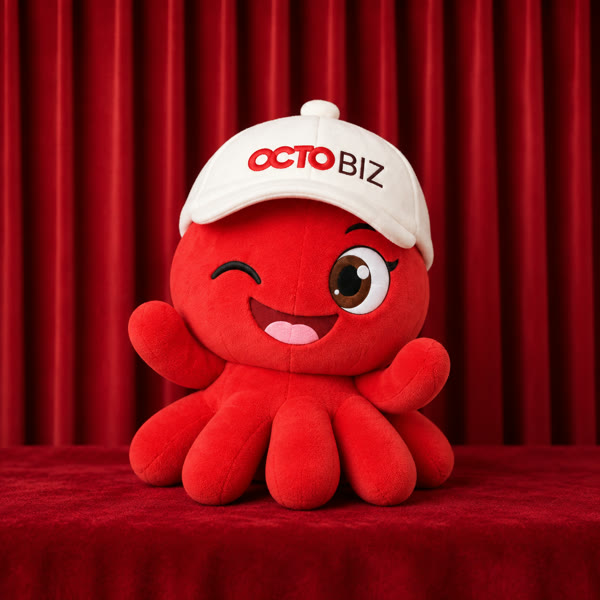
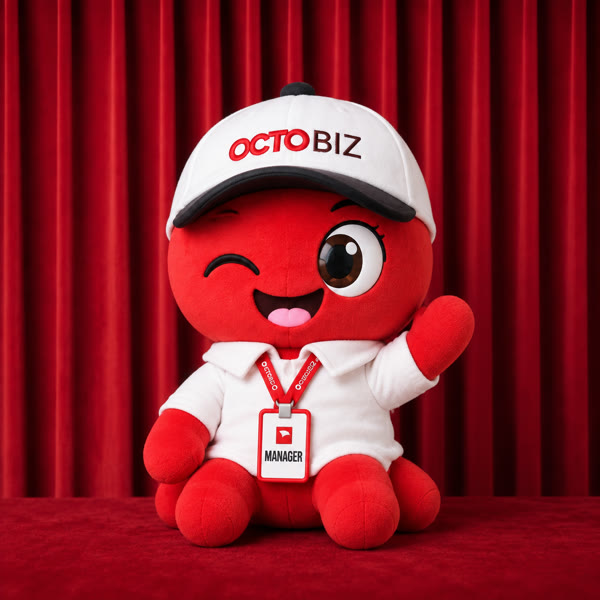
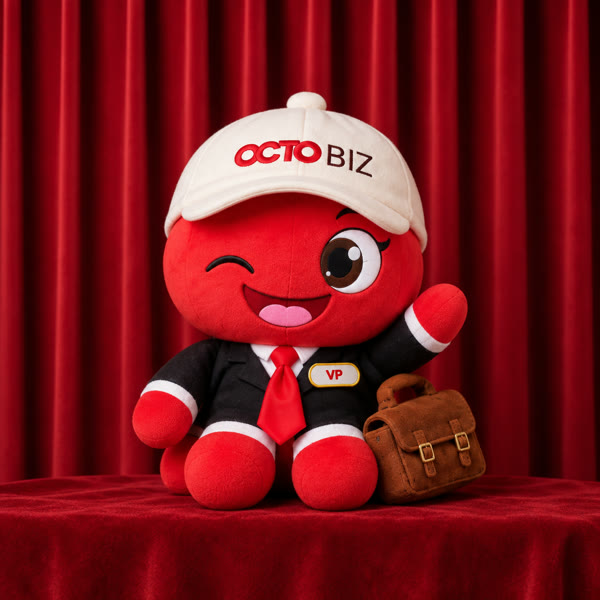
Until the guest takes a photo, their Ticket2U profile shows the matching five-second OctoBiz animation.
03 / WHAT GUESTS DO
Tap through the proposed totem flow. The first capture takes about 45 seconds; up to three retakes are available. Video rendering continues after the guest leaves.
ON THE TOTEM
Take a photo with your OctoBiz

Show your Ticket2U QR to the camera
No QR? Type your ticket numberWELCOME
Hi, Bima!
You are Staff. Your OctoBiz is ready for a photo.
3
Stand inside the outline. Review your photo or retake it up to three times.
Done, Bima!
Your OctoBiz video is on its way. Check your Ticket2U profile in about 2 minutes.
Scan to open your Ticket2U profile
04 / WHAT GUESTS GET
Magicbooth combines the booth photo with the guest's current OctoBiz, then animates the result. The finished video goes to their Ticket2U profile after processing.
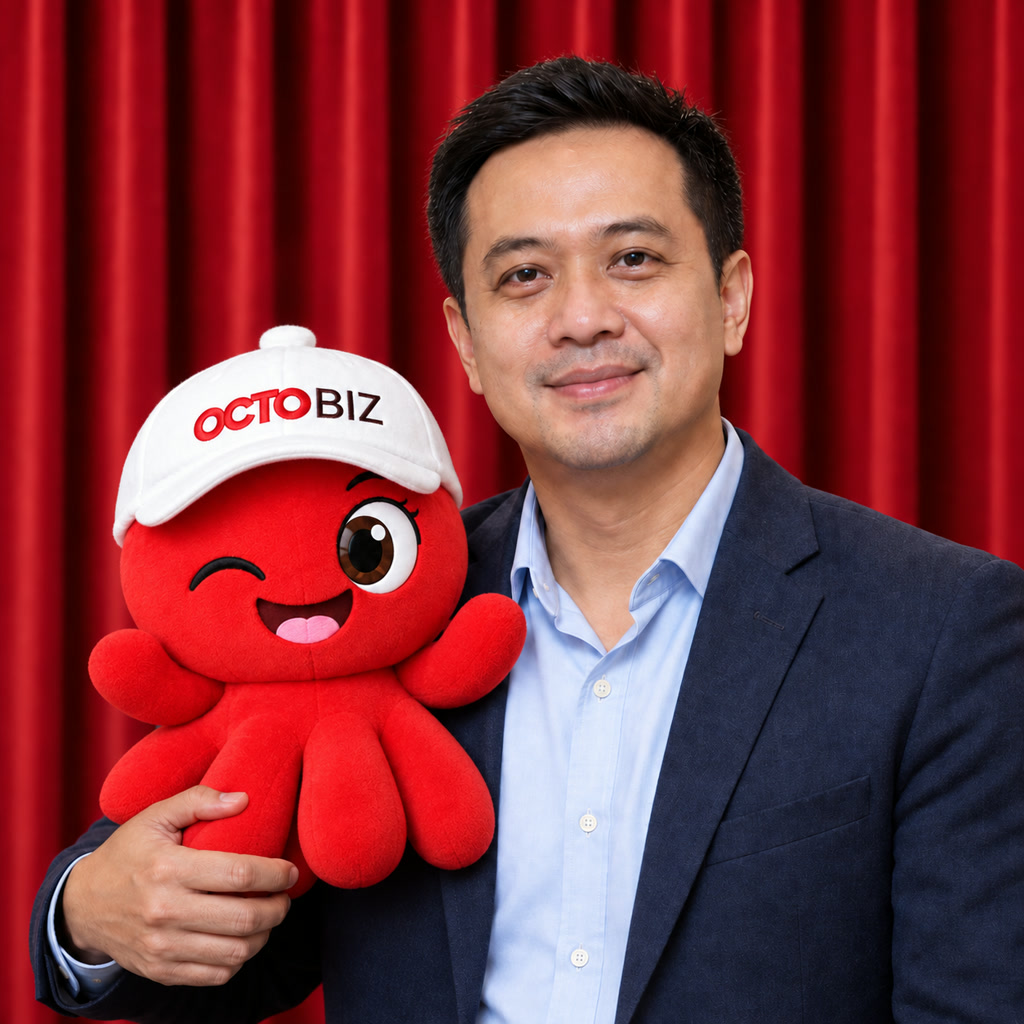
Sample guest and Staff OctoBiz, shown to explain the visual result.
Business Summit 2026
Bima · Staff
Business Summit 2026
Bima · Staff
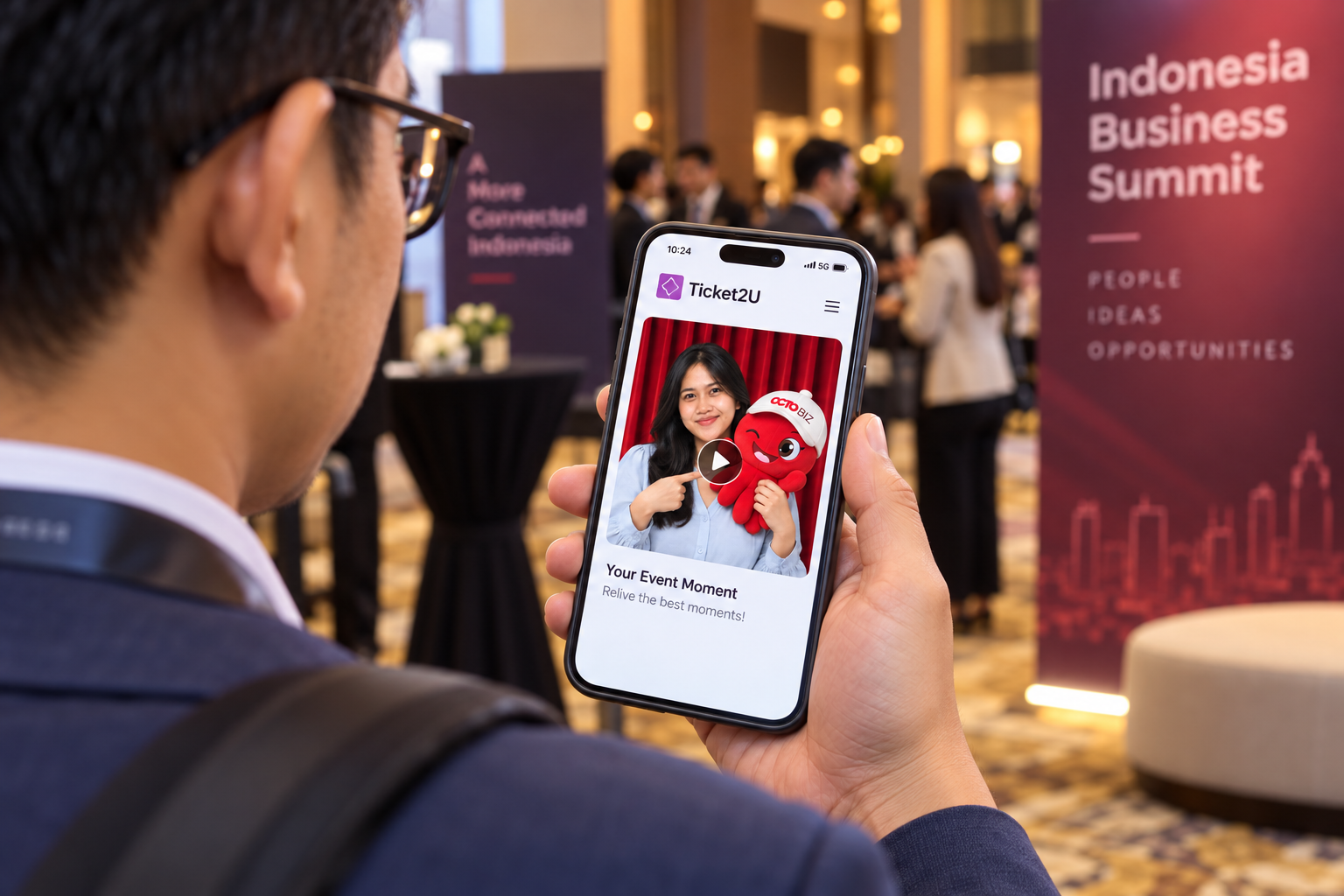
Profile mockup. Ticket2U owns the screen and decides how the video appears there.
05 / TICKET2U CONNECTION
Ticket2U holds the ticket, points, level, and profile. Magicbooth runs the totem and creates the photo and video. This is the proposed exchange between the two teams.
The QR resolves to a ticket ID. Guest lookup returns the first name and OctoBiz level.
The totem greets the guest, captures the photo, and makes the still and five-second MP4.
Our server hands off the original photo, rendered still, and MP4 through the agreed endpoint.
The profile shows the video and gives the guest access to both photos.
Ticket2U sends the ticket ID and updated level.
We reuse the stored photo and render the new OctoBiz.
The completed version replaces the previous file for that guest.
The guest sees their OctoBiz at the new level.
For the Ticket2U team to confirm: QR format, guest lookup, level-change notification, media handoff, and profile link. Points stay in Ticket2U.
06 / LEVEL UP
Ticket2U sends the updated level. Magicbooth uses the photo already on file to render another version, then returns it for the guest's profile.
OTHER SAMPLE GUESTS
07 / EVENT RECAP · OPTIONAL
After at least ten guests have given permission, the Magicbooth team can manually cut a 30-second video for the event screen. It ends by inviting more guests to the totem. This edit is a separate add-on.